
Workflows
The common jobs, start to finish. Print the ones your role does.
1. New person rings and wants an appointment
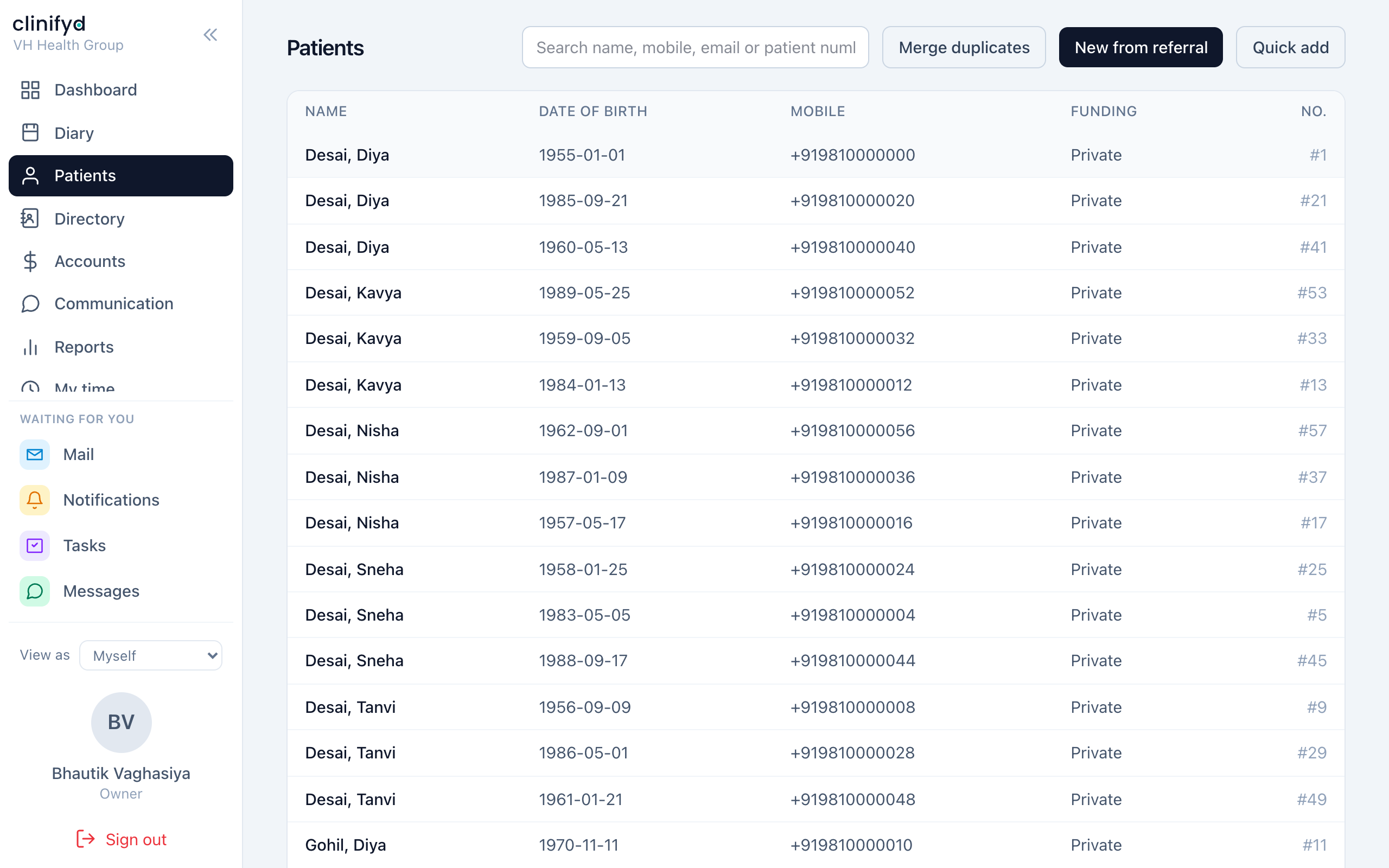
- People → Add. Name, mobile, date of birth, email.
- Record how they heard about the clinic — it feeds the Referral values report, which is what decides where the Christmas cards go.
- Record the funding type: private, health fund, Medicare, DVA, WorkCover, NDIS, CTP. Get this right now; it decides who gets billed later.
- If they were referred, attach the referrer from the Directory.
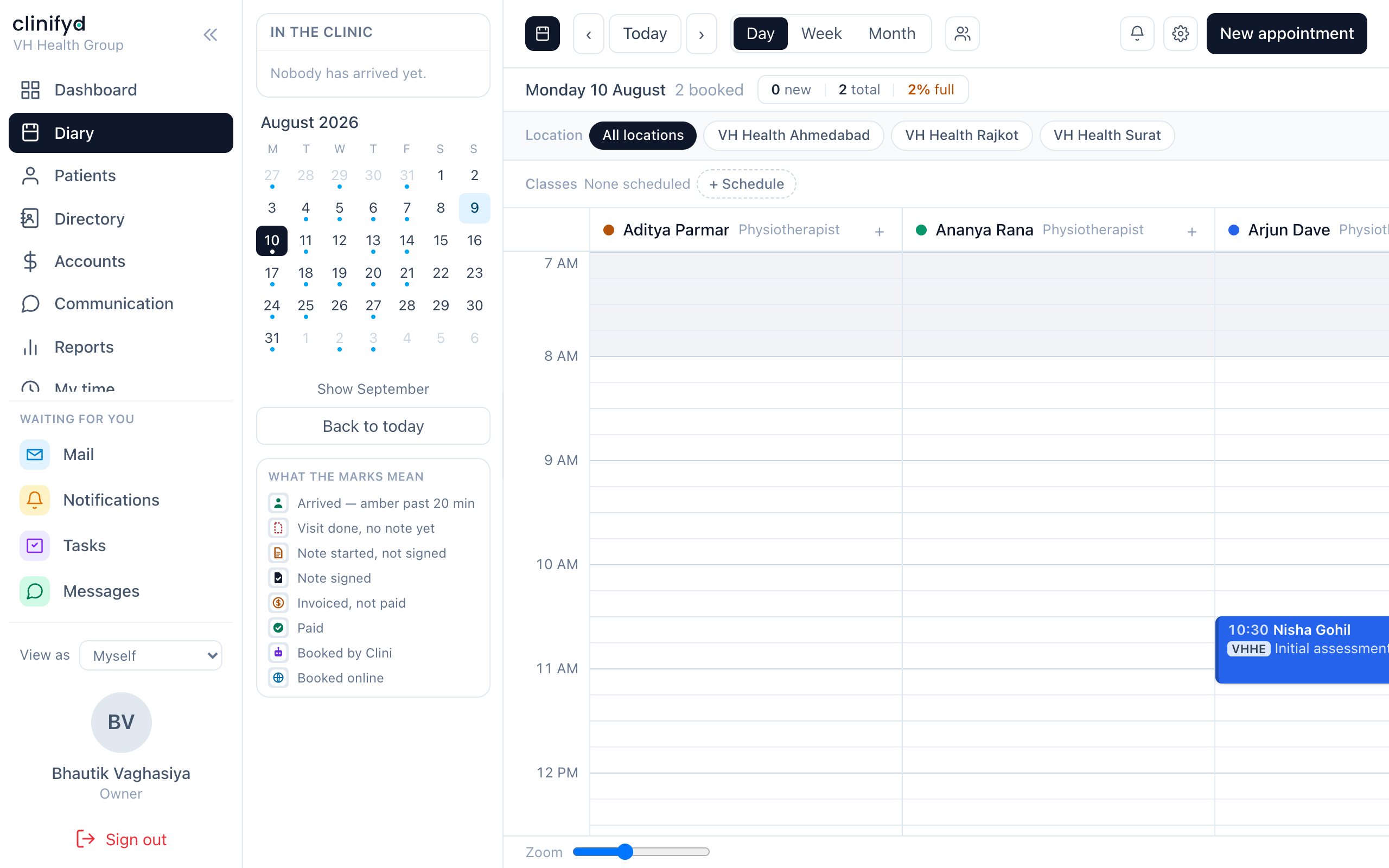
- Diary → click the slot → choose them → choose the service → Save.
- If they mentioned an allergy, a hazard or anything the practitioner must know before the door opens, put it in the alert field. It shows in amber on the booking card.
2. An existing person wants an earlier time
- Book the time they can do, so they have something.
- Add them to the waiting list: the service, which practitioners will do, and the days and times they can actually come.
- When a cancellation comes in, work the waiting list before anything else. An hour cancelled on Tuesday for a Thursday appointment is lost unless a name surfaces in the next few minutes.
3. Somebody arrives
- Find them in the diary — or on Today's list on the dashboard.
- Mark Arrived.
- Read the alert if there is one.
- Take payment for last time if they owe, rather than at the end when they are half out the door.
4. A visit, end to end
Front desk
- Mark Arrived when they walk in.
Practitioner 2. Mark In progress when they come through. 3. Treat. 4. Mark Completed. 5. Write the note. Sign it when it is finished.
Front desk 6. Billing tab → raise the invoice. 7. Check the draft. Add anything else they are buying. 8. Issue it. 9. Take payment, recording the method. 10. Book the next appointment before they leave. Rebooking at the desk is worth more than any recall campaign.
5. Somebody does not turn up
- Mark Did not attend. Not Cancelled — they are different events and every report that counts them treats them differently.
- Check whether the reminder went. Reminders sent on the dashboard shows sent, failed and skipped, with the reason for the skips. A person with no mobile on file is skipped, not failed, and that is the fixable one.
- Follow the practice's policy on fees.
6. Somebody cancels
- Open the appointment → Cancel, with a reason. The reason is what makes the Cancellations report worth reading.
- Work the waiting list for the freed hour.
- Rebook them.
7. Billing an insurer rather than the patient
- Raise the invoice as normal.
- Split it: the patient's gap and the funder's share become separate obligations against the one invoice.
- Issue it.
- Lodge the funder's share on the terminal.
- Claims → Prepare, then Submit, recording the reference the terminal gave you.
- When the remittance arrives, Respond with what was approved and paid — or paste the remittance advice in and let it match.
- Anything short or refused: the reason code is what the argument turns on. Record it.
8. An issued invoice is wrong
You cannot edit it. Pick one:
| The invoice was | Do this |
|---|---|
| Right, and something changed after | Credit note against it |
| Never valid at all | Void it, with a reason |
| Right, but they paid too much | Refund, with a reason |
Full reasoning in Rules that never bend.
9. A GP asks for a report
- Open the person → their case.
- Letters → New, choose the template.
- Write it. It stays a draft until you finalise.
- Finalise. It is frozen — content, sender, recipient, the lot.
- Send it.
Started one and left it? It appears on your dashboard under Unfinished letters, oldest first.
10. Two records for one person
- Check carefully that they really are the same person.
- Merge, choosing which record survives.
- Every appointment, note, invoice, payment and file moves to the survivor.
Owners and managers only, and it cannot be undone. If you are not certain, archive the duplicate instead.
11. Somebody leaves the practice
- Manage → Staff → archive their login. Do not delete it — every note they signed and payment they took points at it.
- Manage → Security → sign out any device still holding their session.
- If they were a practitioner, decide what happens to their future appointments before archiving, or those bookings lose their column.
12. Monday morning, if you run the practice
- Read the weekly scorecard email.
- Dashboard: Claims — anything not lodged, anything waiting over three weeks.
- Ageing receivables — anybody who has stopped paying.
- Not yet invoiced — work done and never charged for.
- Uncompleted notes — chase the practitioners, gently.