
Getting started
Your first twenty minutes, whatever your job is.
Signing in
You need three things:
- The practice code — a short word that identifies your clinic. Ask whoever set up your login. It is the same for everybody at the practice.
- Your email address — the one your account was created with.
- Your password — sent to you, or set by whoever added you.
If any of the three is wrong the message is deliberately vague. That is not the software being unhelpful: a sign-in page that says "no account with that email" tells a stranger which addresses are real.
After the first sign-in, use a passkey instead
A passkey is your face, fingerprint or device PIN. It is faster than a password and cannot be phished, because there is no secret to type anywhere.
Profile → Sign in → Add a passkey. Do this on each device you work from — the front desk machine, your laptop, your phone. Your password keeps working; nothing forces you to switch.
Two things to expect:
- Signing in with a passkey needs nothing typed at all. Not even the practice code. The device already knows which account it holds a key for.
- Passkeys need a secure address (
https://, orlocalhost). If the practice is running the software over the local network for testing, you will only see the password form. That is correct, not a fault.
Finding your way around
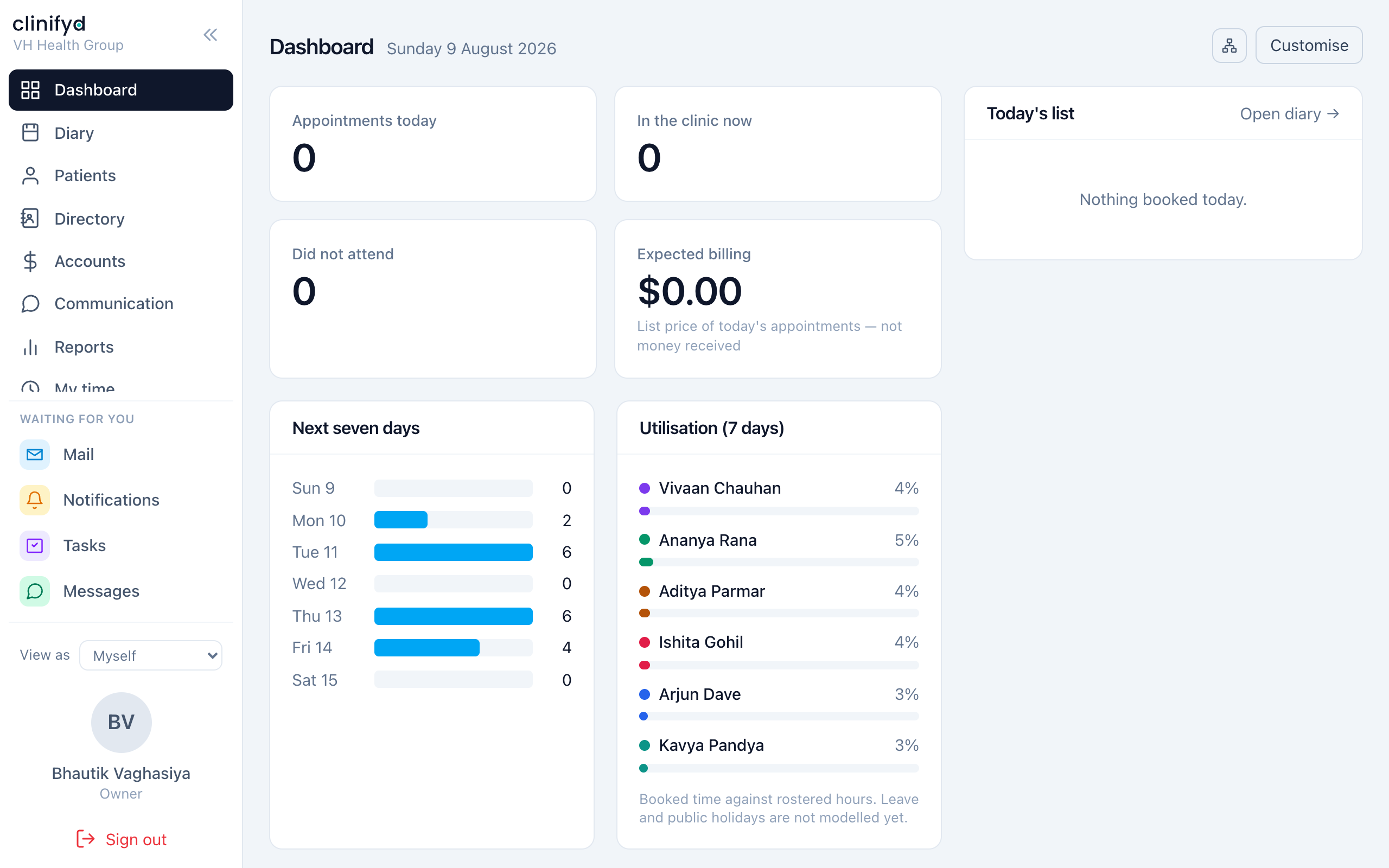
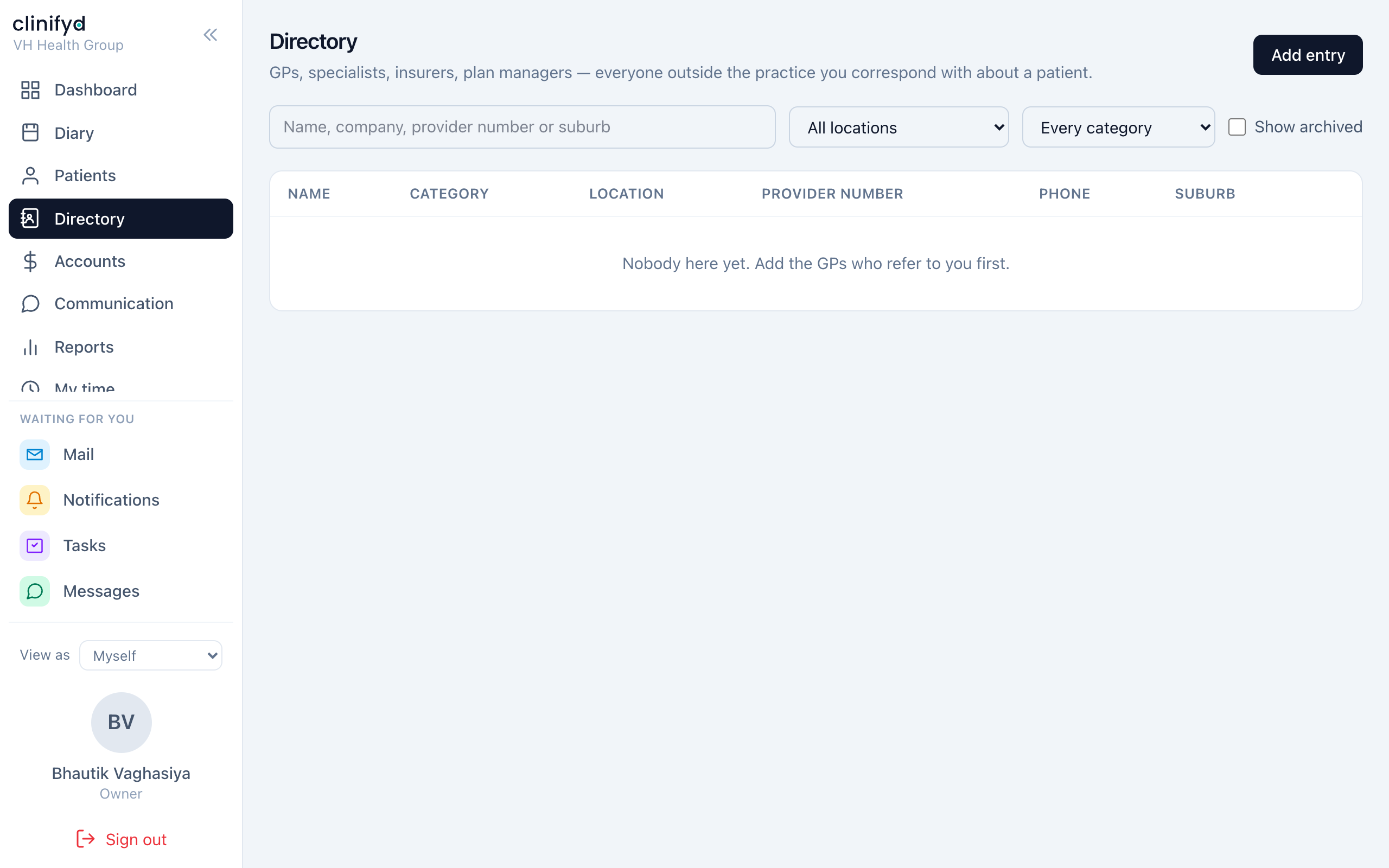
The bar down the left is the whole product. What you see depends on your role — a receptionist has no Reports entry, a practitioner has no Manage.
On a narrow screen the bar collapses into a menu button at the top.
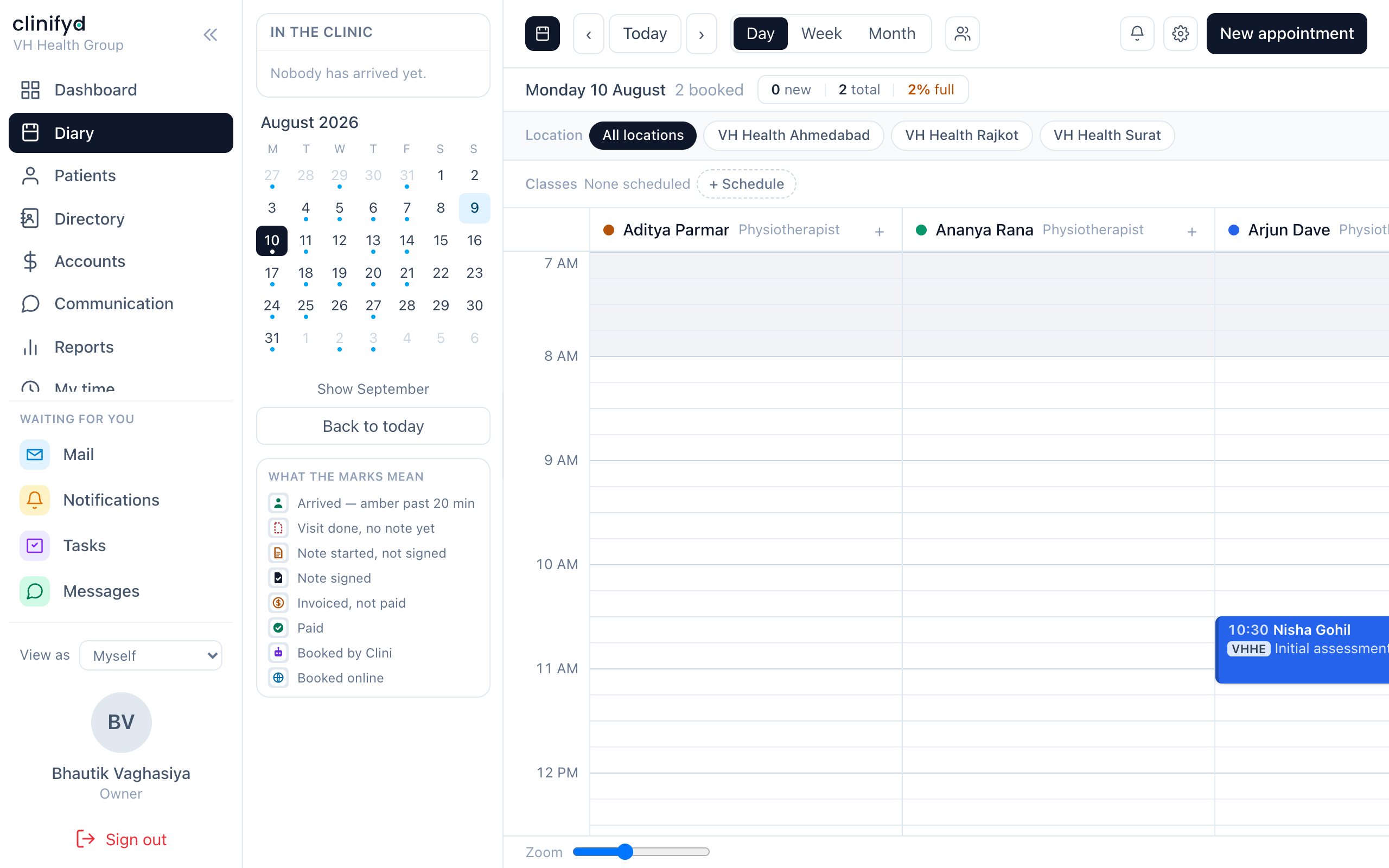
Dashboard is the home screen. Diary is where most of the day happens.
Make the dashboard yours
The dashboard can show around twenty cards. Most of them are somebody else's job, and a page of cards nobody reads is worse than a short one.
Dashboard → Customise (top right). Tick what you want, untick what you do not, press Done.
- It is yours alone. It changes nothing for anyone else.
- It cannot give you anything new. Only cards your role already allows appear in the list.
- Cards built in future arrive switched on, so you will not silently miss a new feature.
- The Not built yet cards at the bottom can be switched off like any other, if you would rather not see the roadmap.
Changed your mind about everything? Turn everything back on, bottom left of the same window.
Your own settings
Profile (bottom of the left bar, under your name).
| Sign in | Passkeys, and changing your password. |
| Notifications | What the software tells you about. |
| Diary | How your diary is drawn — start and end of day, slot size, 12 or 24 hour clock, zoom, whether the arrival chime sounds. |
The diary settings are worth two minutes. They are personal overrides: leave one alone and it follows whatever the practice has set, so if the practice later changes its opening hours, your diary follows — unless you have expressed an opinion, in which case yours wins.
Getting help
- When it goes wrong covers the common ones.
- Rules that never bend — check here before reporting a refusal as a bug. Most refusals are deliberate.
- If something genuinely broke, the error message carries a reference code. Write it down. It is the fastest way for somebody to find what happened.